How it grew
I farm corn and soybeans with my family and a crew of employees, and I train farmers on precision ag. Like most farms, our busy season ran on texts, ticket photos, and a workbook that was always a few days behind. I didn't set out to build an app. I set out to stop retyping scale tickets at night. Here's how it grew.
It started with GrainGrok and a text thread
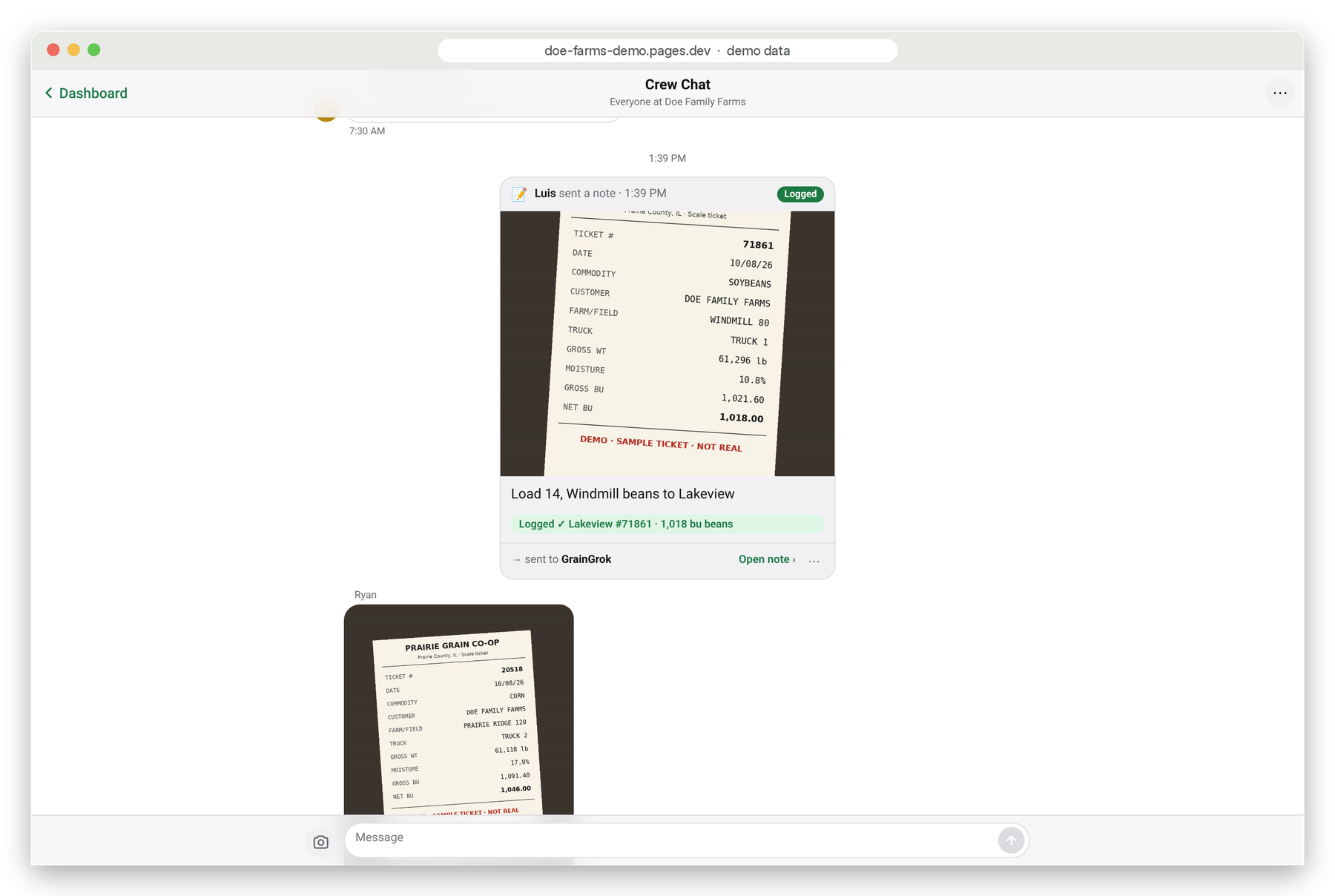
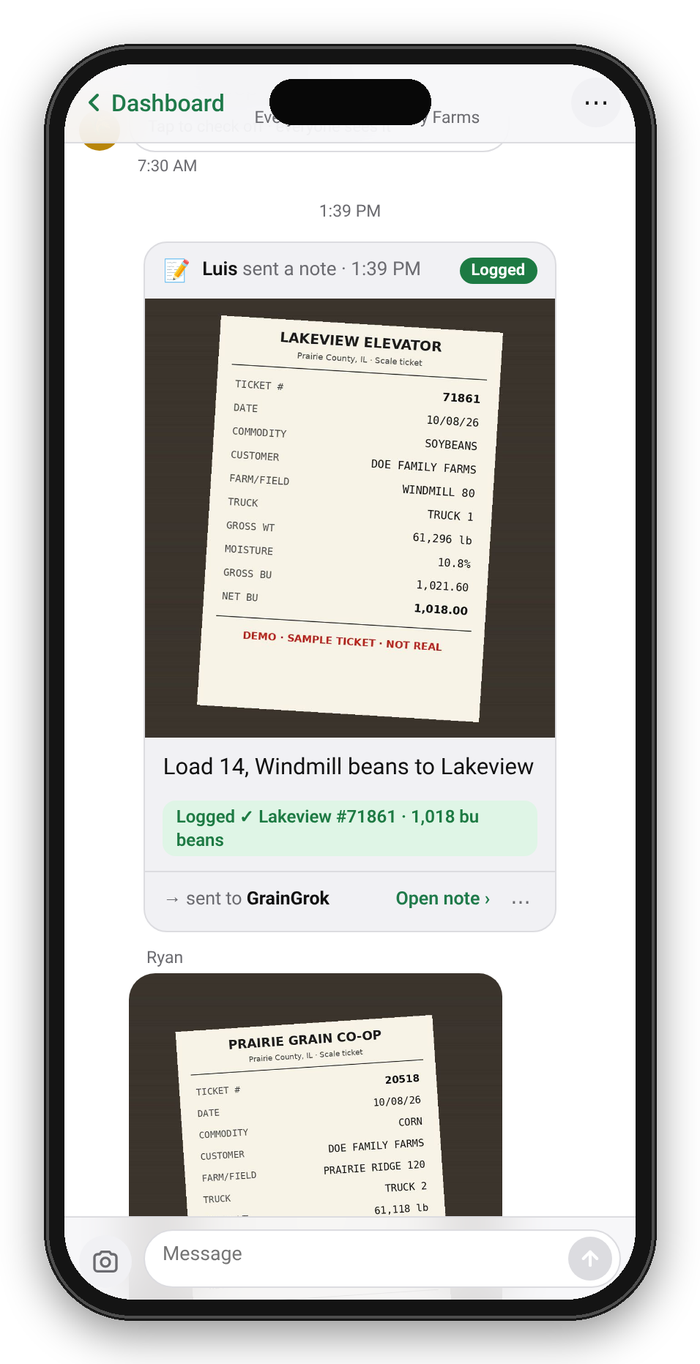
The first piece was GrainGrok, working over our farm's Google Voice texts. The crew kept doing what they already did: they texted photos of elevator tickets and grain cart weights from the truck or the cab.
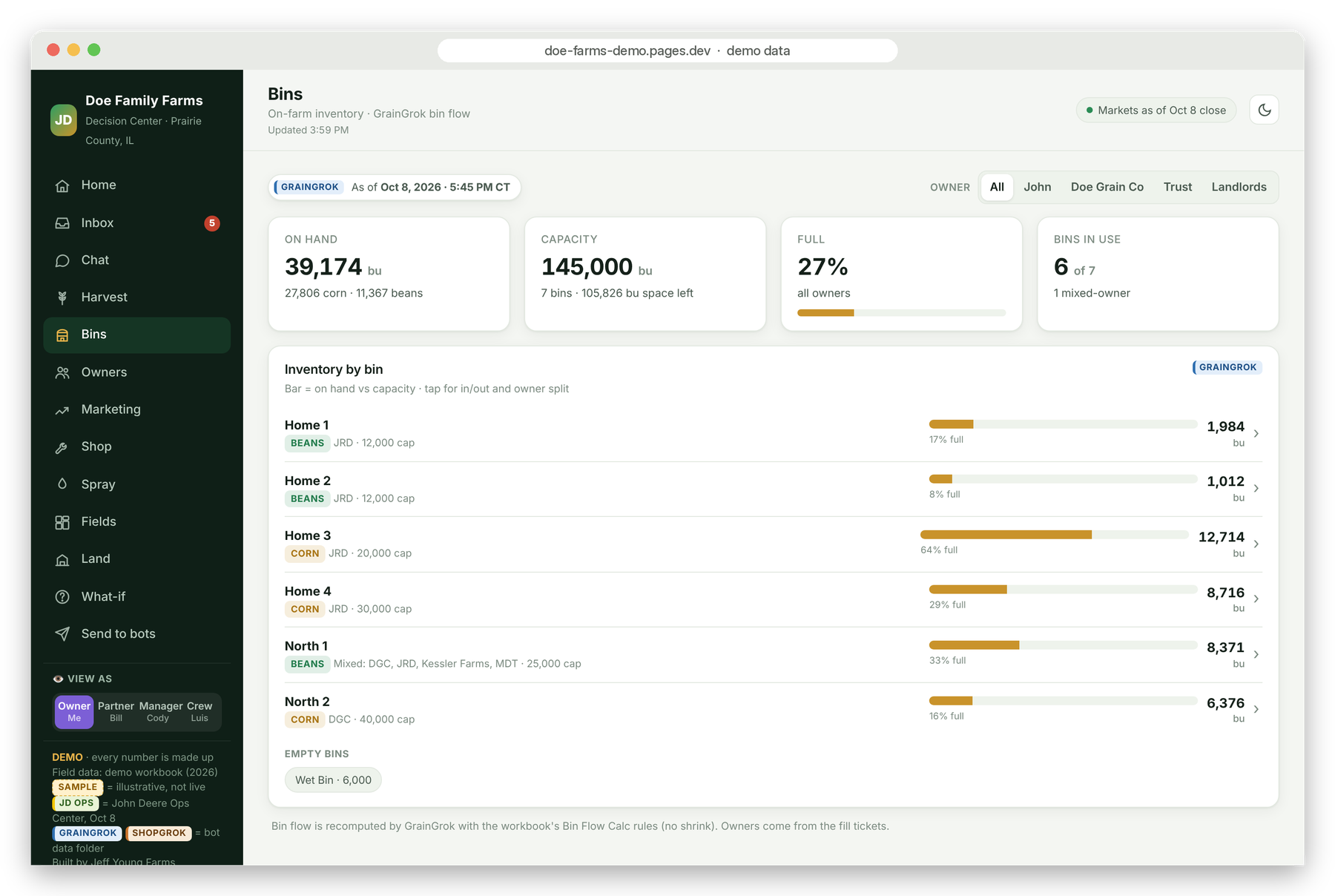
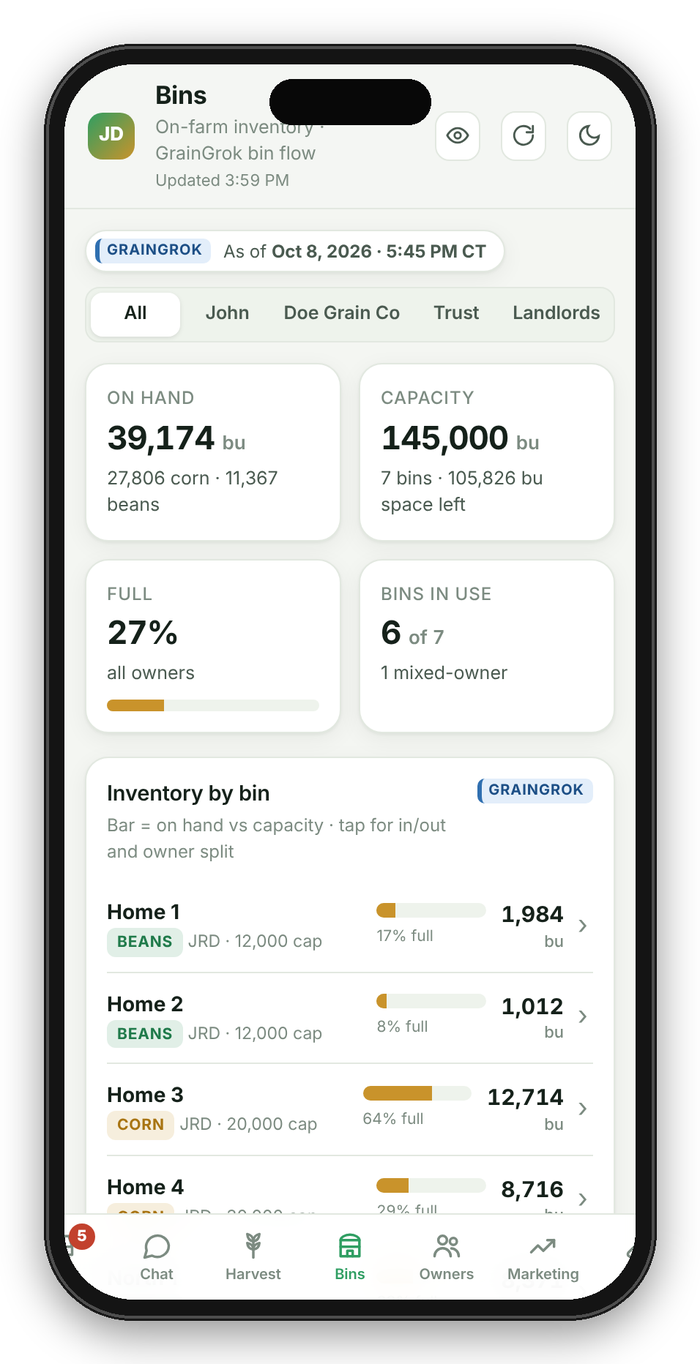
GrainGrok read those photos and logged them in my grain workbook. It matched ticket numbers so a load never got written down twice. It split a ticket by owner when a load belonged to more than one, and it kept the bin flow straight: what went in, what came out, and what was left.
That alone took a nightly chore off my plate, and the numbers were better because nobody was copying them by hand.
Then ShopGrok for the shop
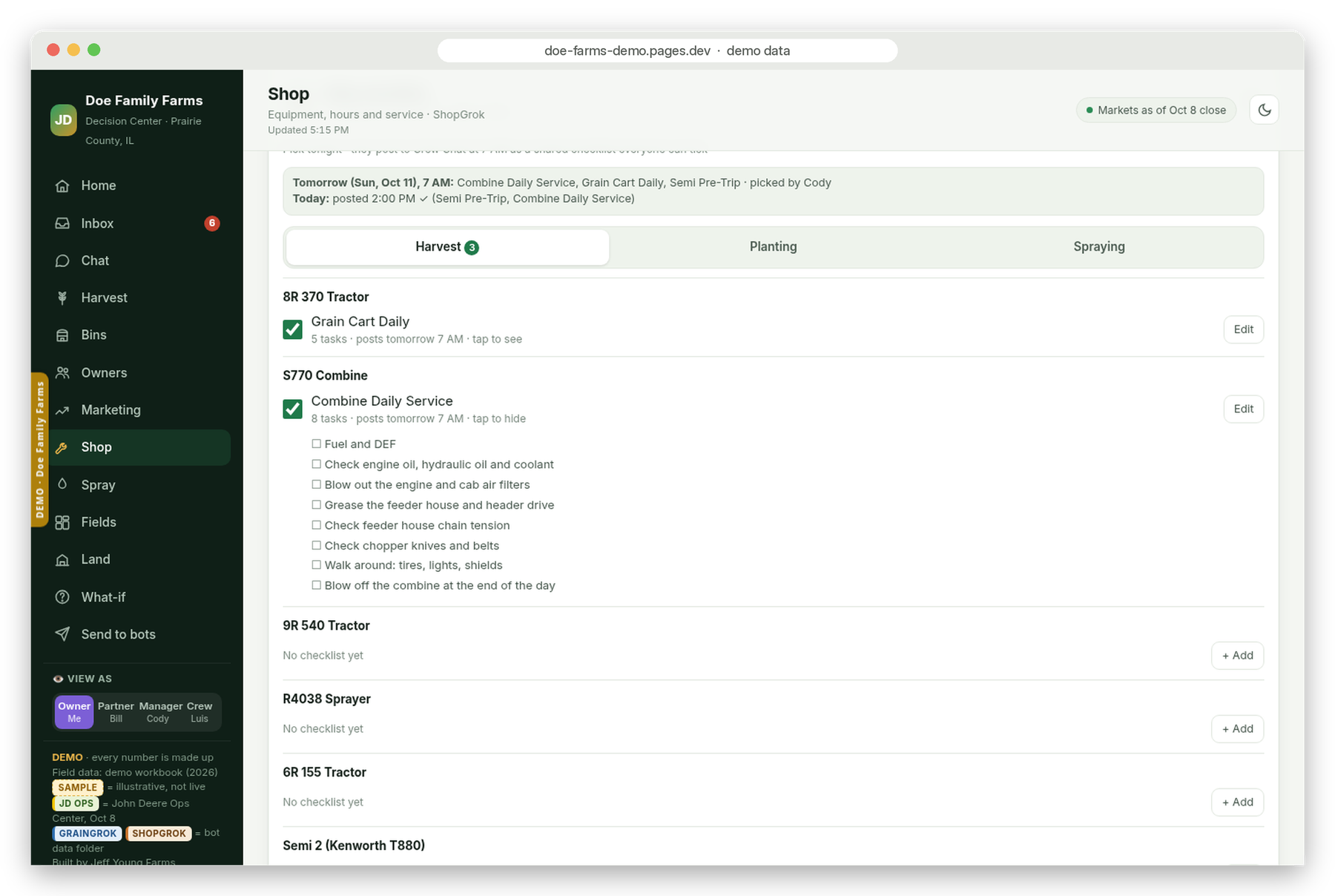
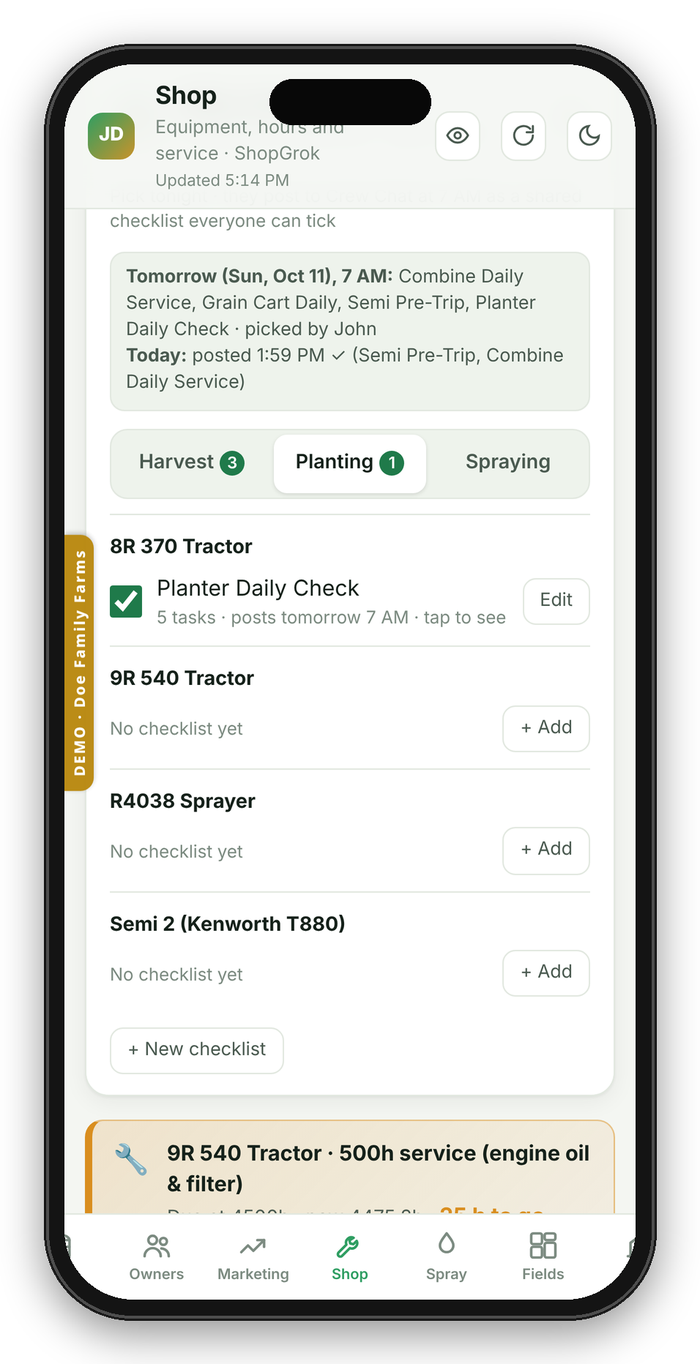
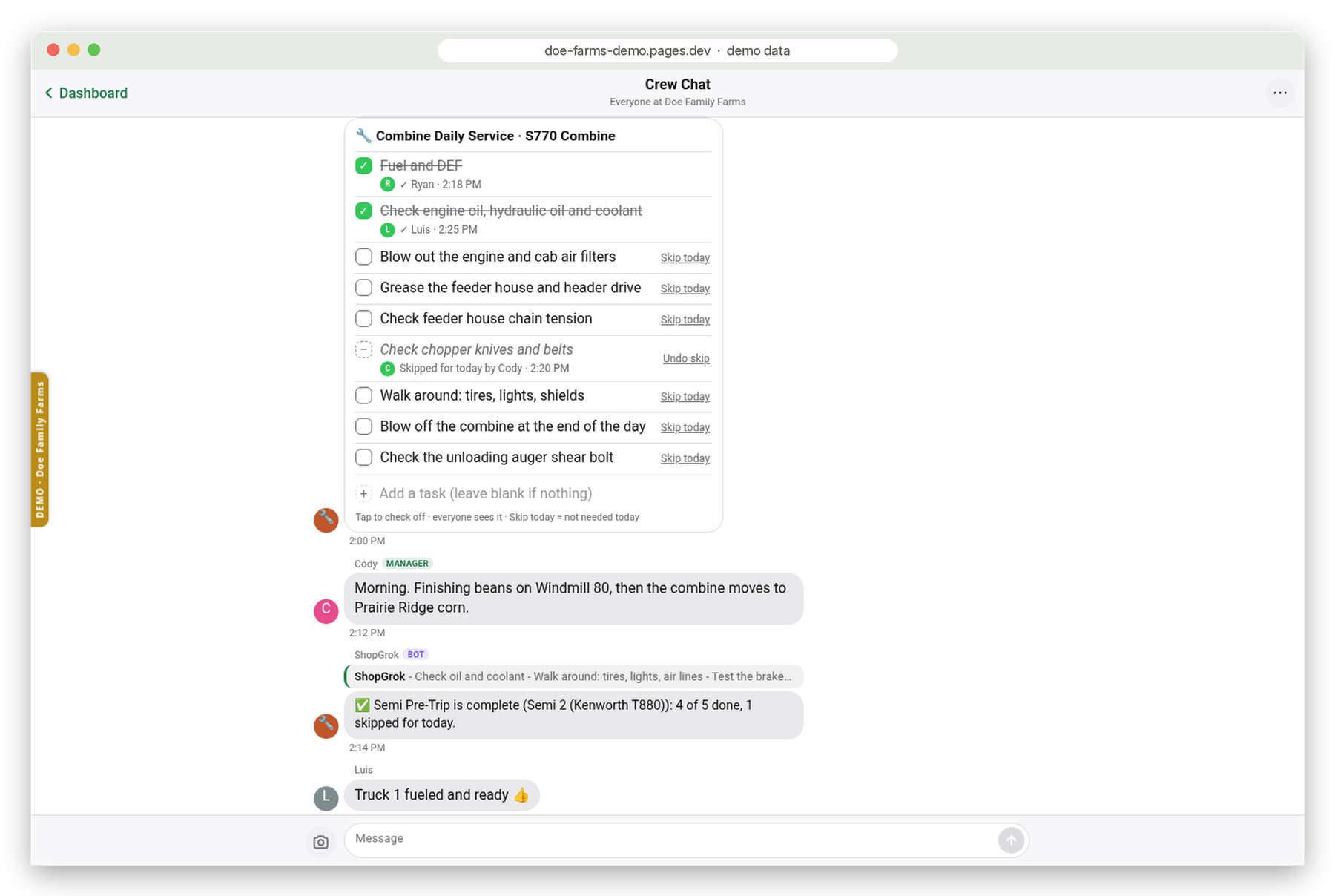
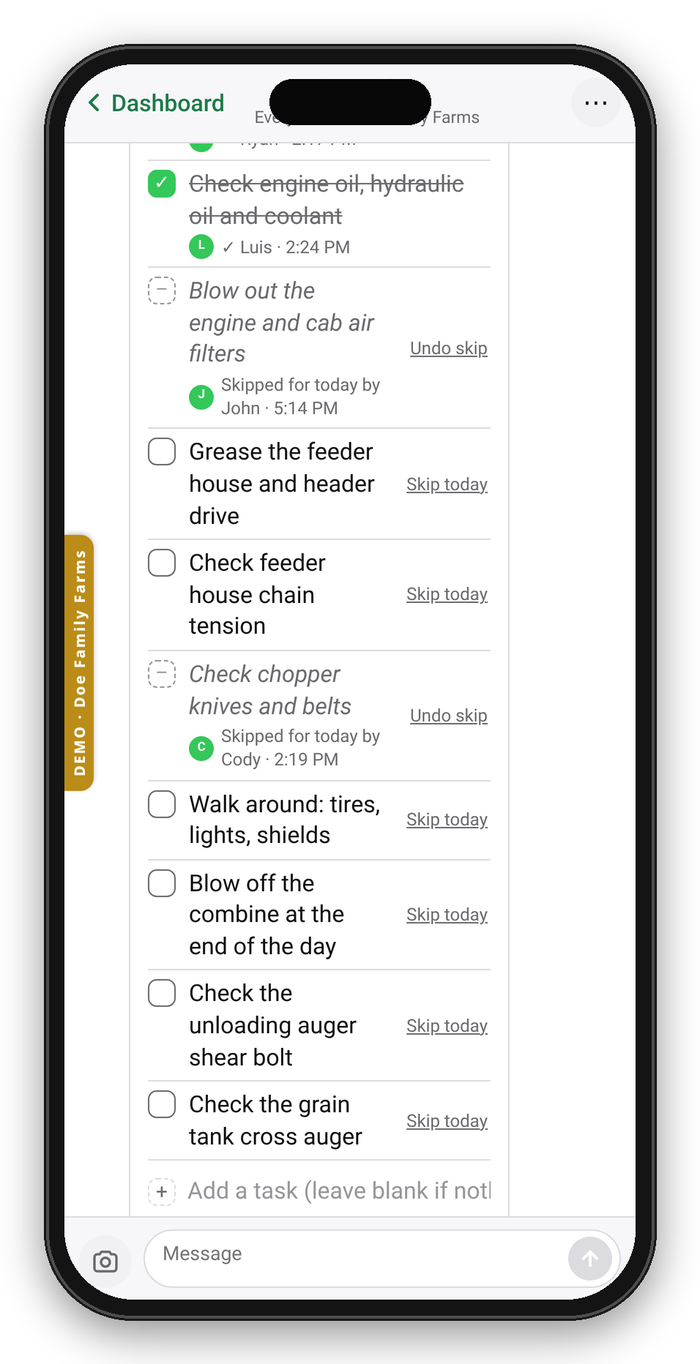
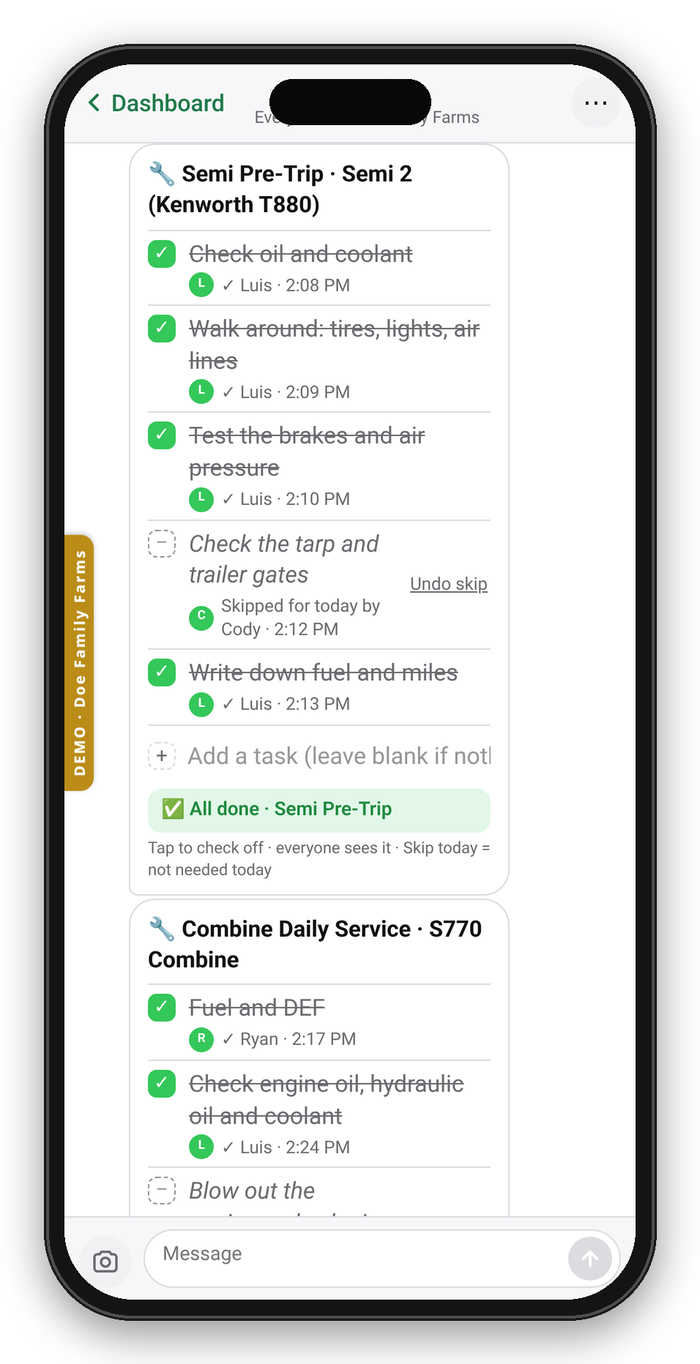
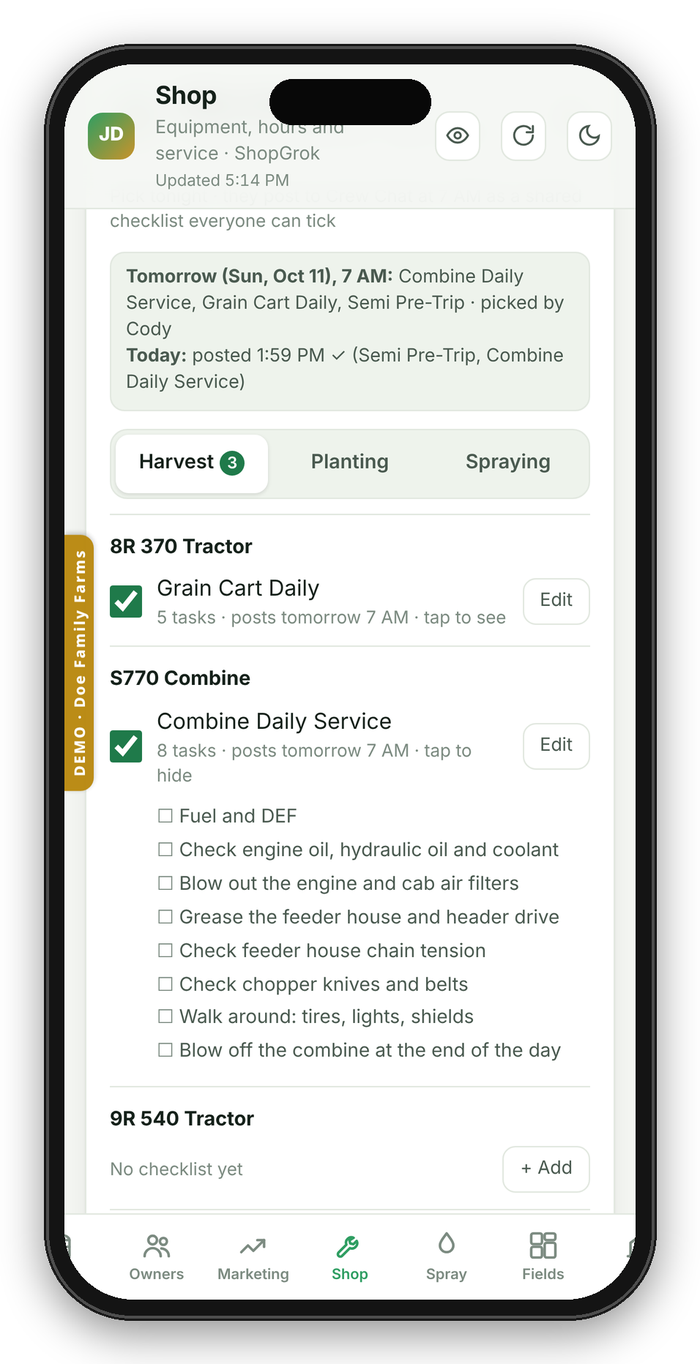
Once grain was working, the shop was the obvious next step. ShopGrok keeps the maintenance and service intervals, the fuel log, and parts. Then came daily service checklists: each machine gets its own list, like the combine or the grain cart, and each morning ShopGrok posts the day's lists for the crew to check off as they go.
Then it became the farm app
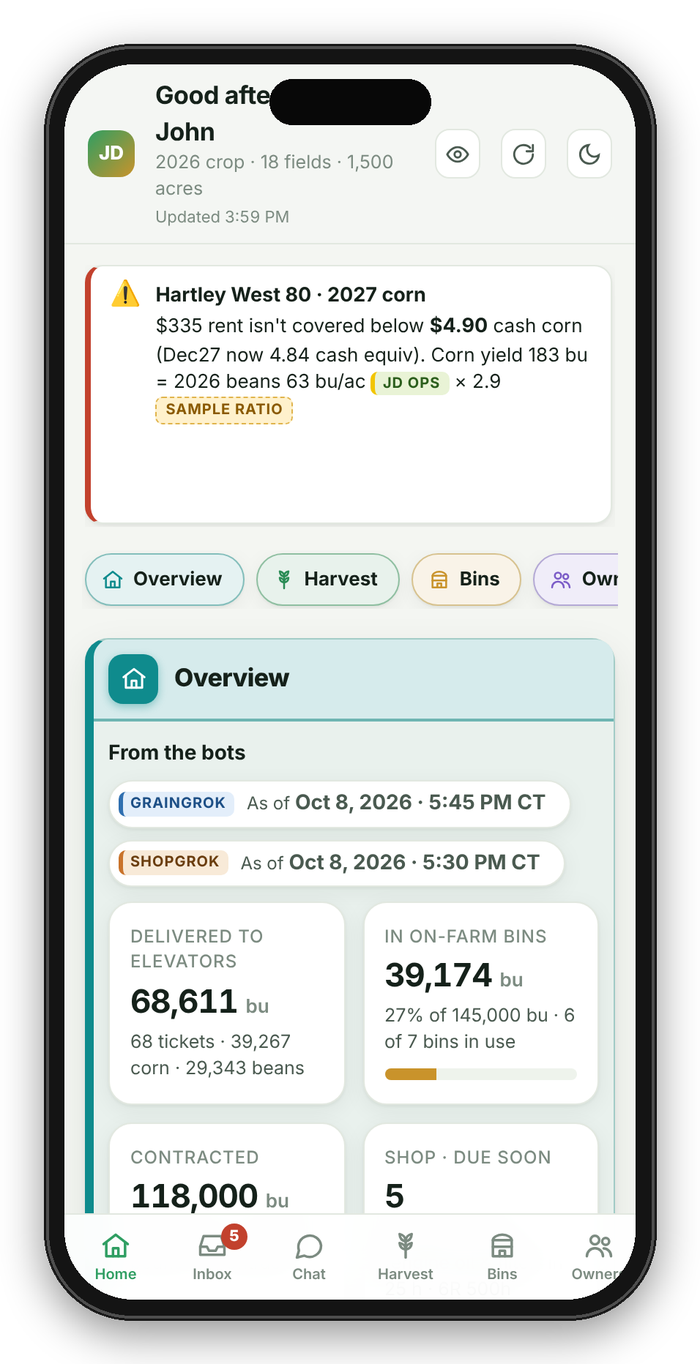
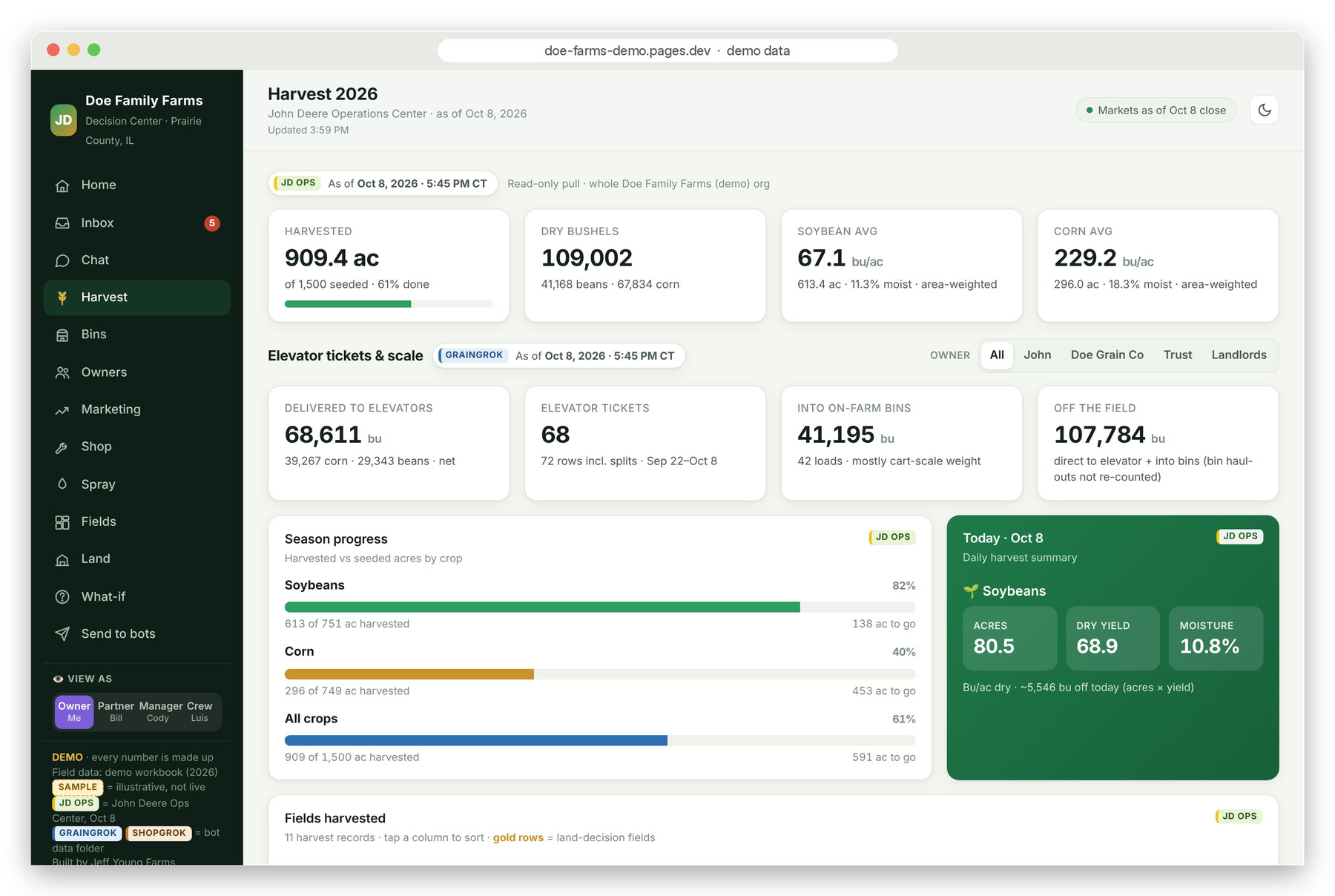
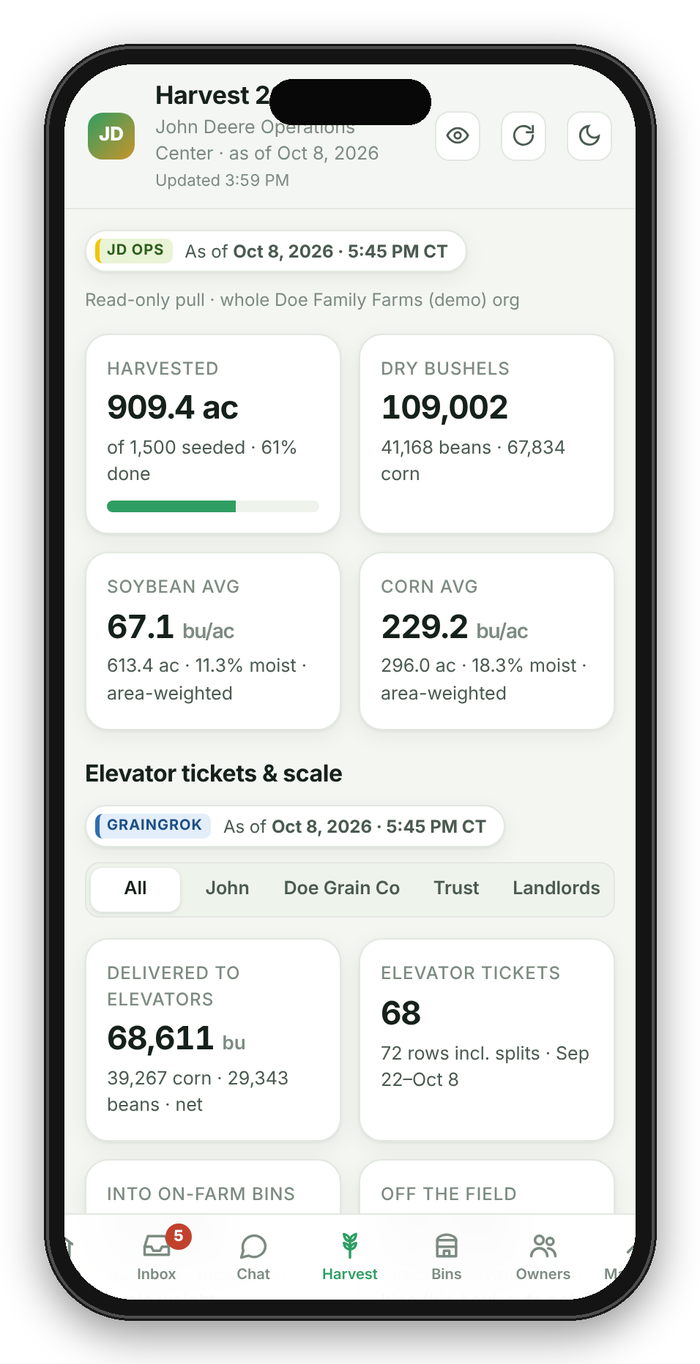
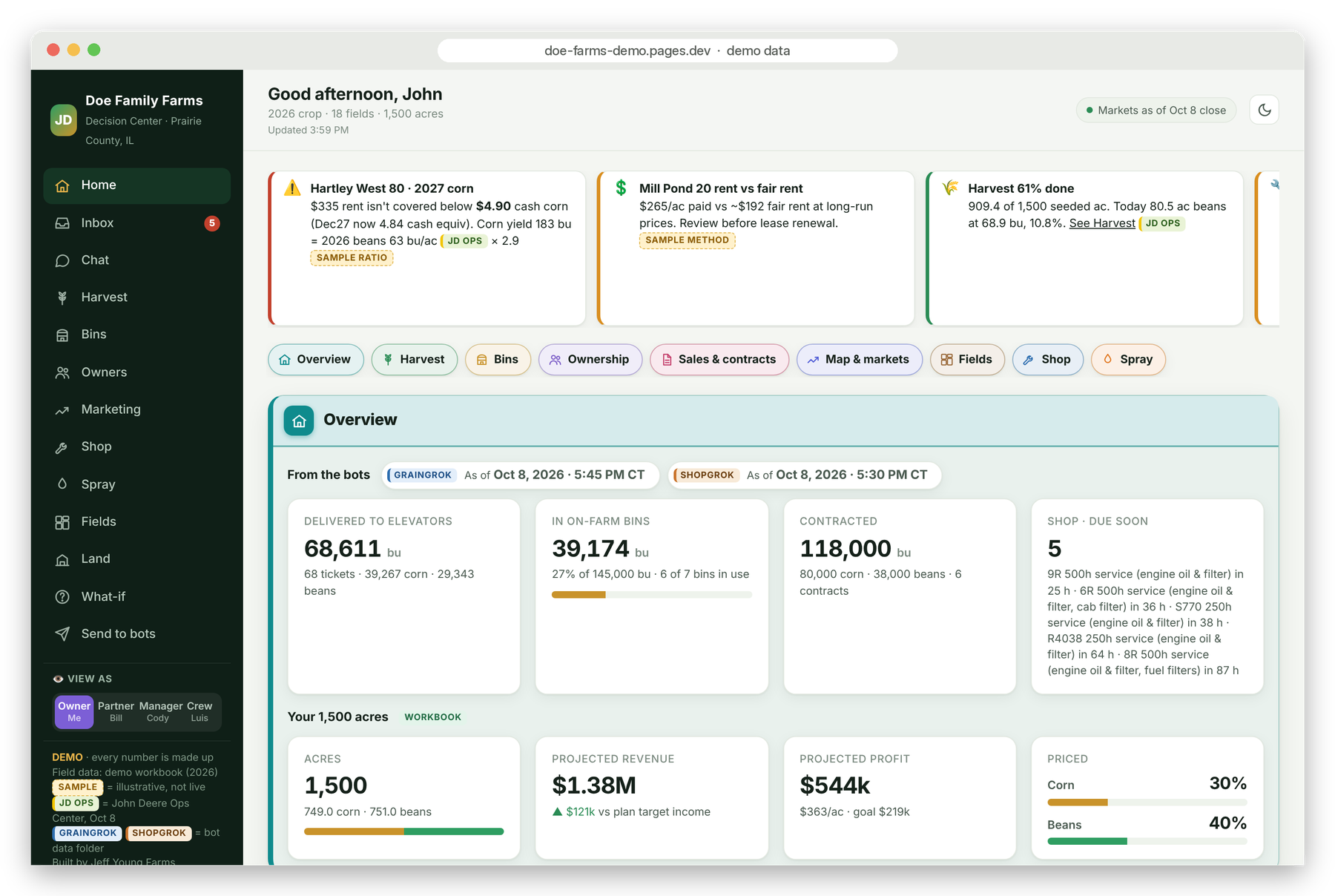
Texts got us started, but the farm needed one place to look. In October it became an app on the phone and the desktop:
- A dashboard with harvest, bins, and shop, kept current as the work happens.
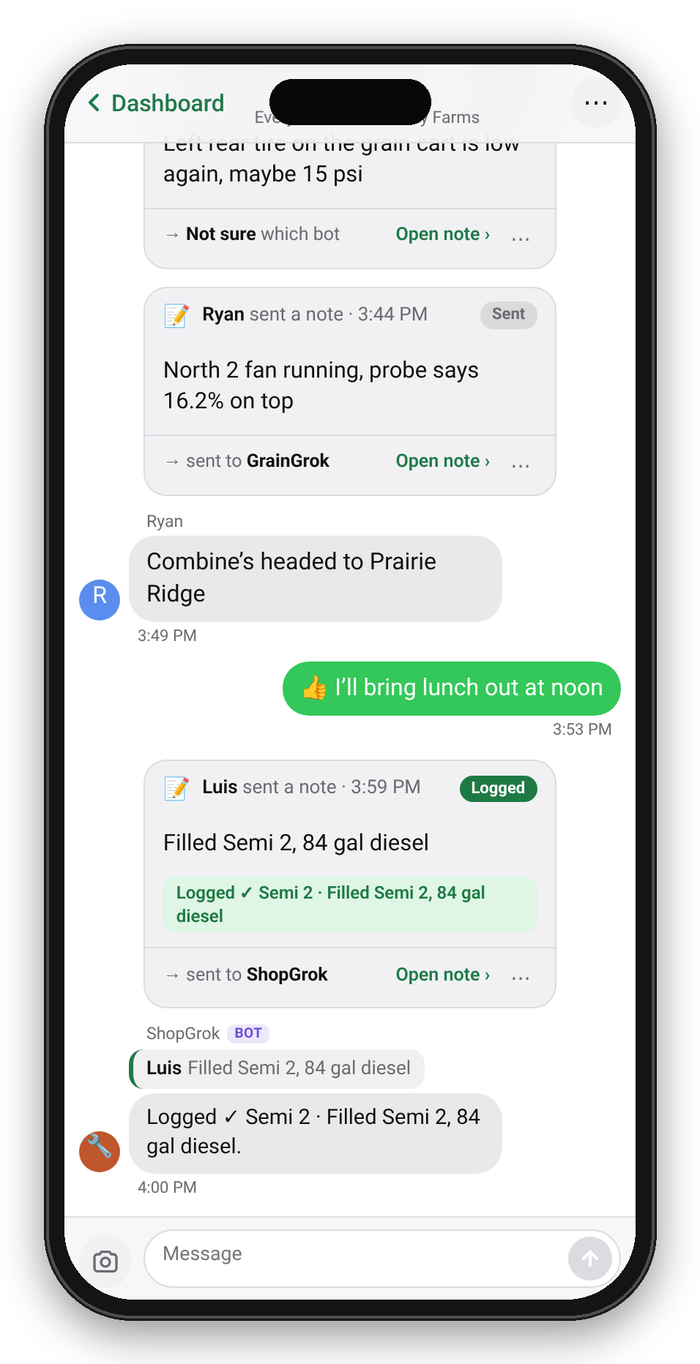
- Crew Chat, one group chat for the whole crew, where ticket photos and checklists live.
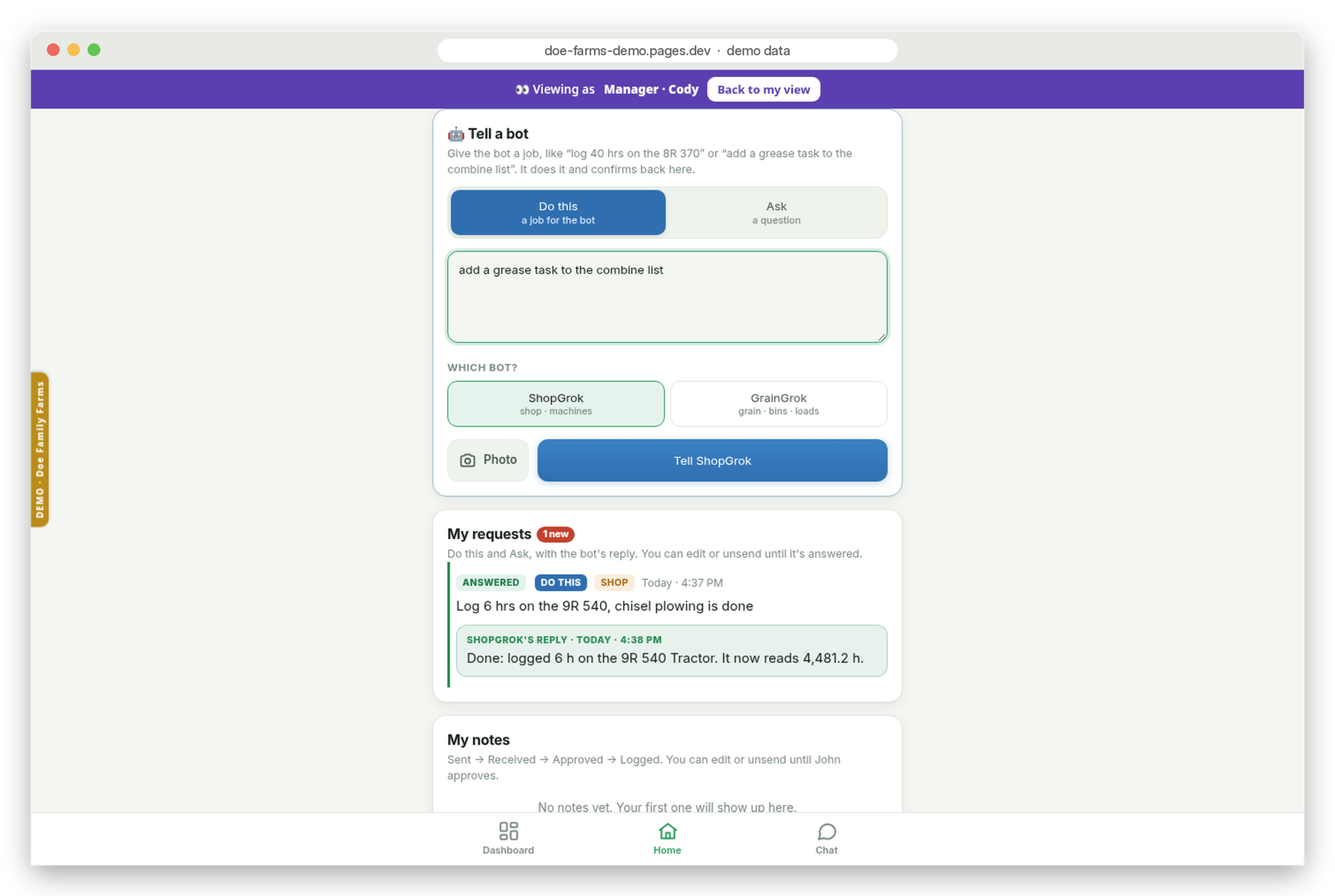
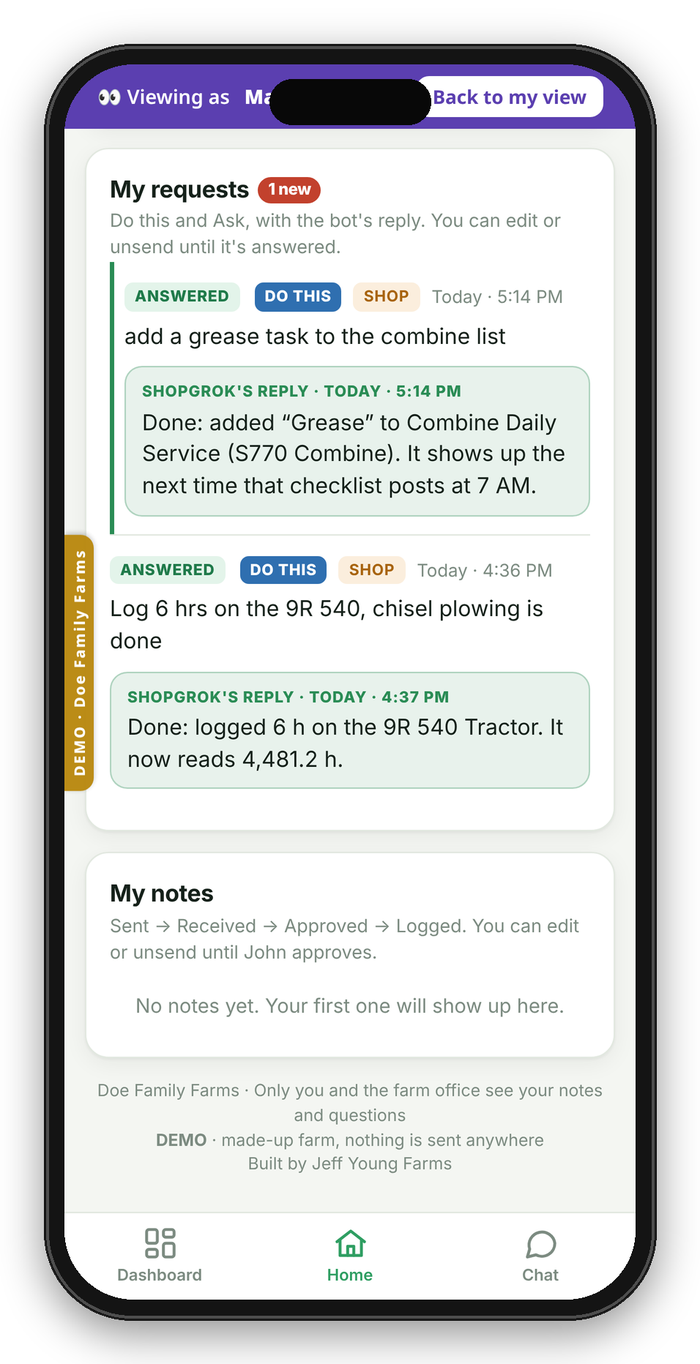
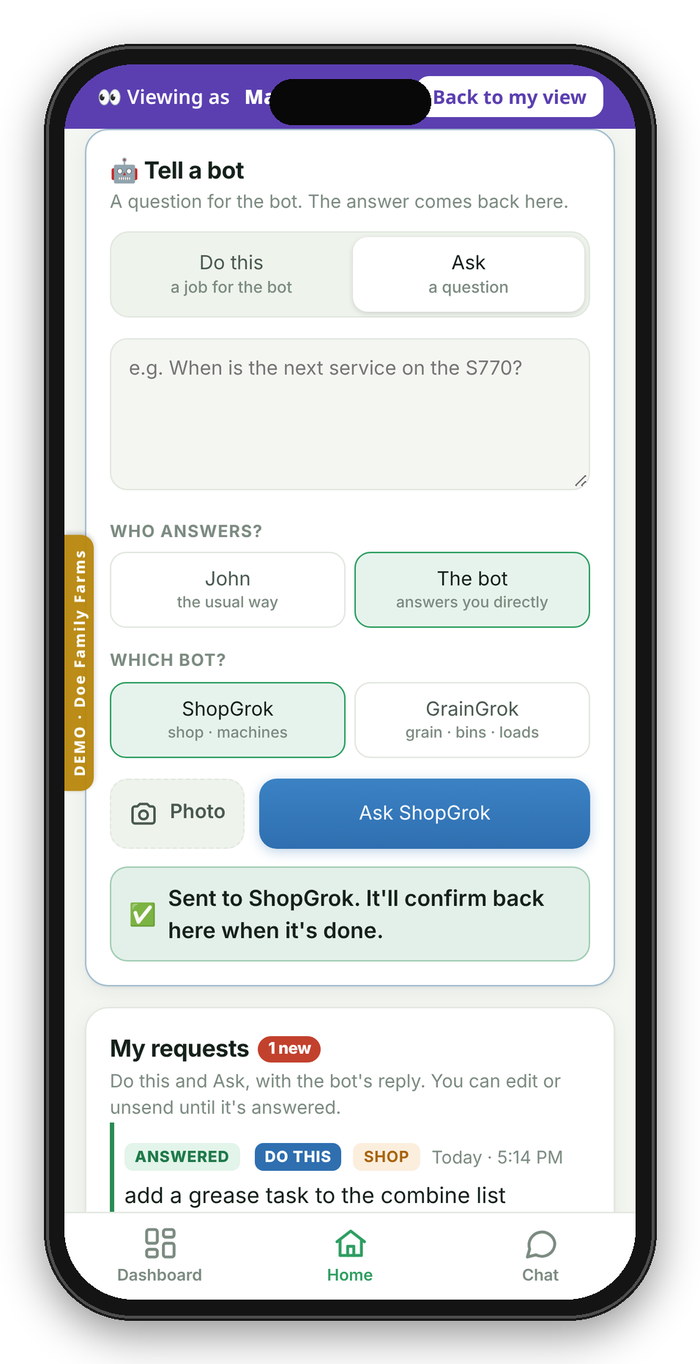
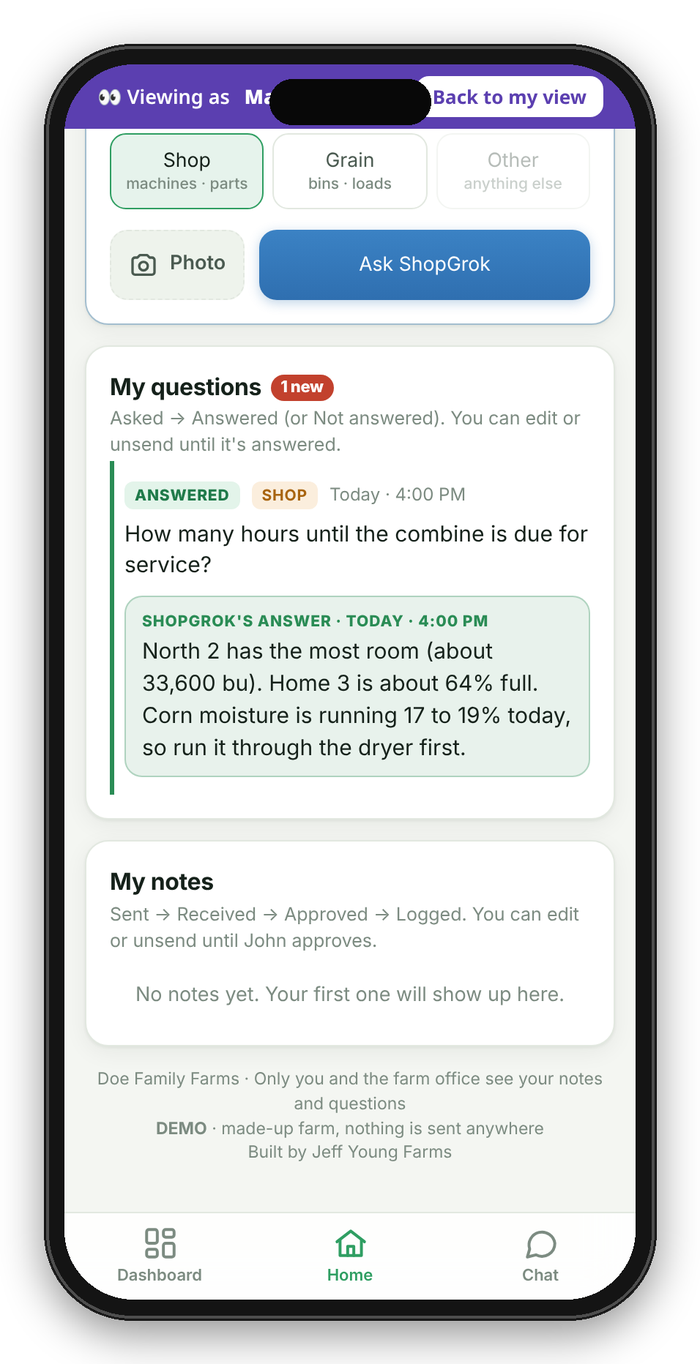
- Tell the bot. Anyone can send a "Do this" job or "Ask" a question to GrainGrok or ShopGrok, and see the reply in My requests.
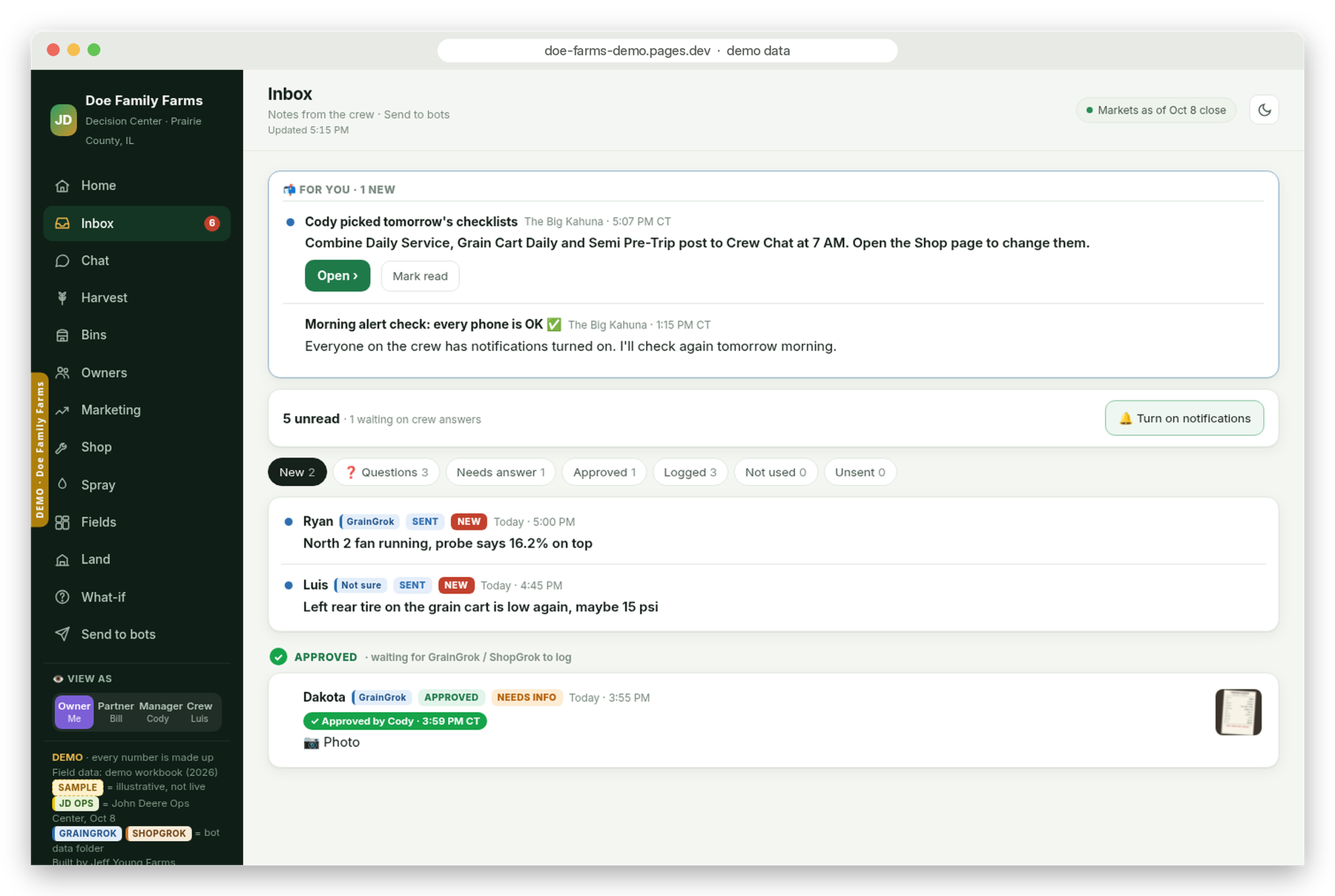
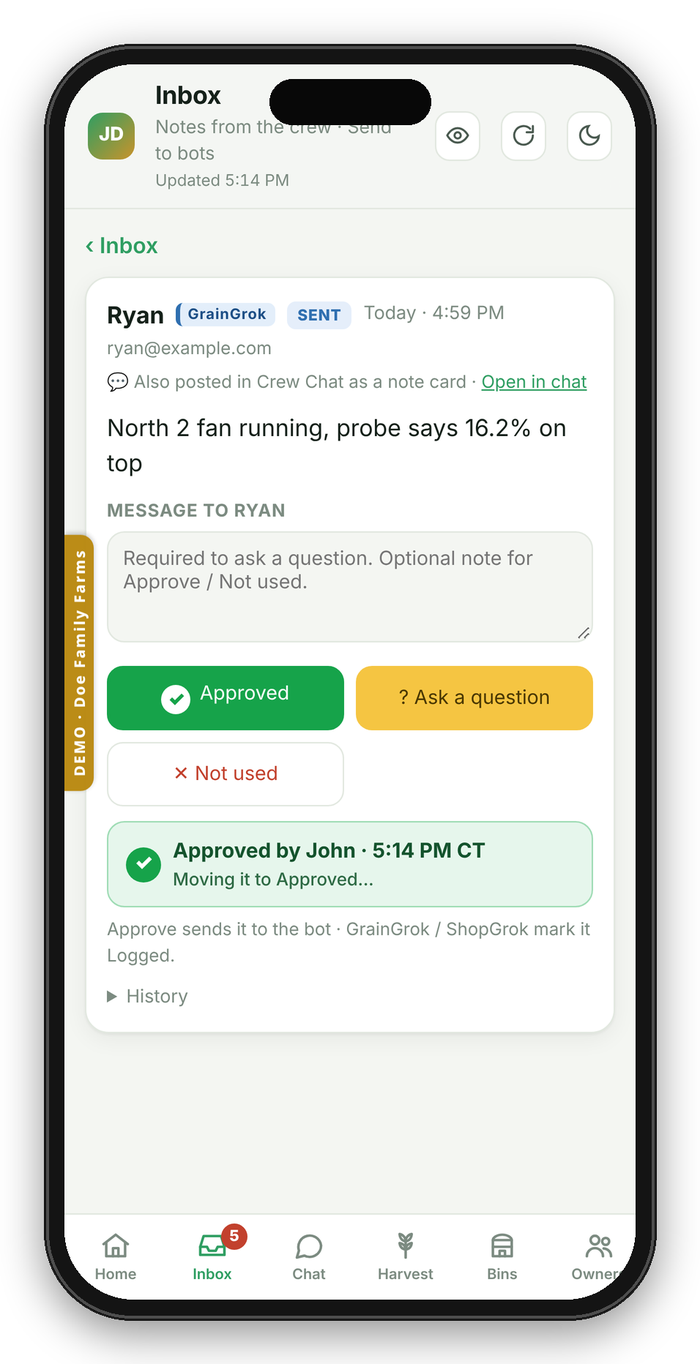
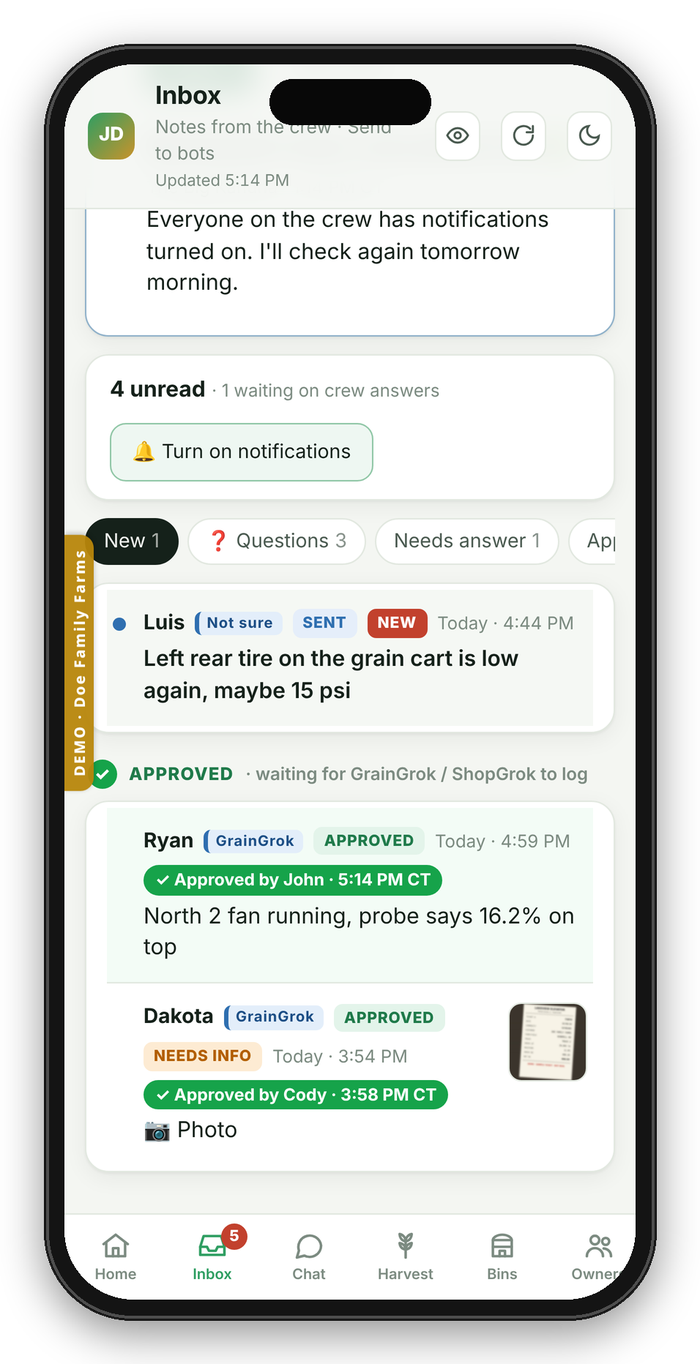
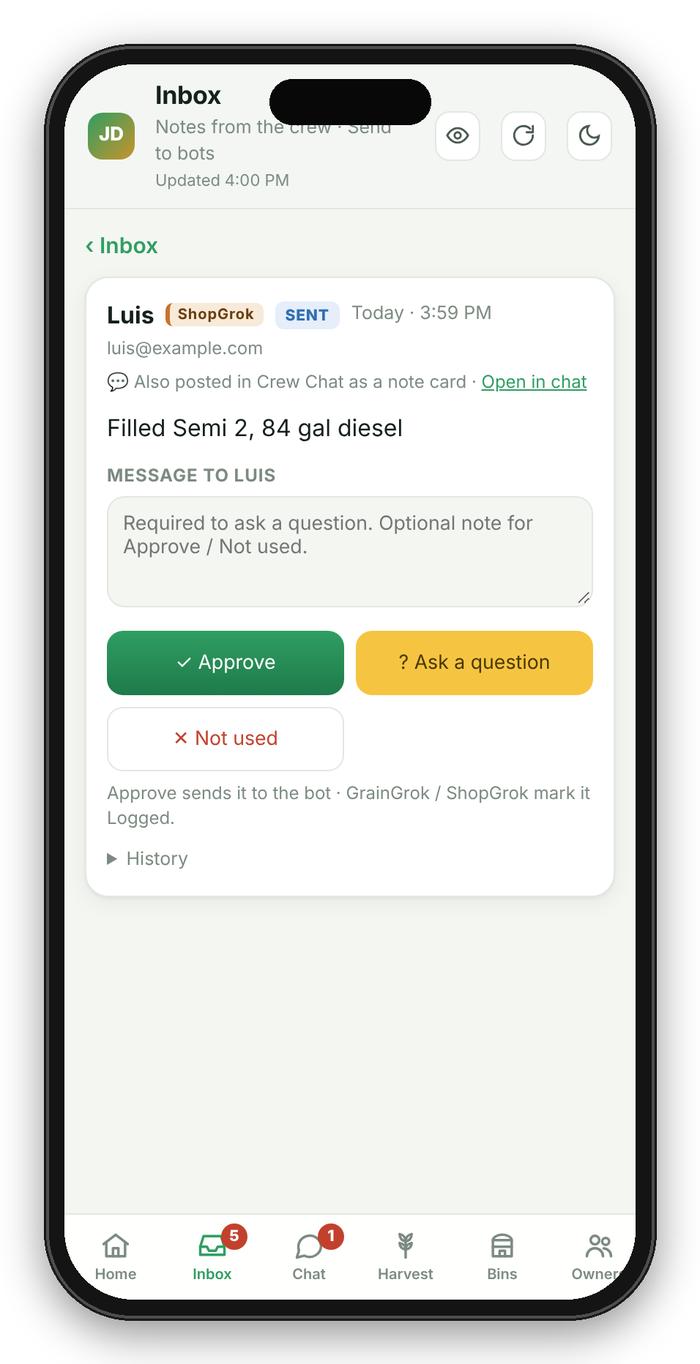
- Owner approvals. Crew notes land in the Inbox under For you and wait for a person to approve them. Only the bot marks them logged.
- Roles for owner, partner, manager, and crew. Each person sees only what they should. Crew never see the money side.
- Push alerts so the right person knows when something needs them.
The app replaced texting for the crew. The same ticket photos and notes now go into Crew Chat and Tell the bot instead of a text thread, and the owner reviews them in one Inbox.
It's built around how my operation runs. That's the point: yours runs differently, and it should be built around yours.
4. Where it's going
These are next on my list. They are plans, not finished features.
- Spraying. Loads, products, and records for the spray side of the business.
- Billing for spray loads and field logs, so custom work gets billed from what was actually logged.
- Other farms and livestock. Adapting the same approach to other operations, including livestock.